 Cloud Garden
A relaxing painting game by Zarzara
Cloud GardenMix the color.
Paint the garden.
A relaxing color-mixing game for iPhone and Android. Pour pigments, match a shade, and bring an illustrated world to life.
Coming soon to iPhone and Android
- No timers
- No ads
- Play offline
Playable demo
Try the color-mixing demo
Start with two paints and one little color match. Tap a bottle for a drop, or hold to pour. Paint each part to discover the next color.
Now painting: Balloon stripe
Try one drop of Coral, then one drop of Cream.
A gentle start: just Coral + Cream
How to play Cloud Garden
Every painting starts as a line drawing. You bring the color.
Pour
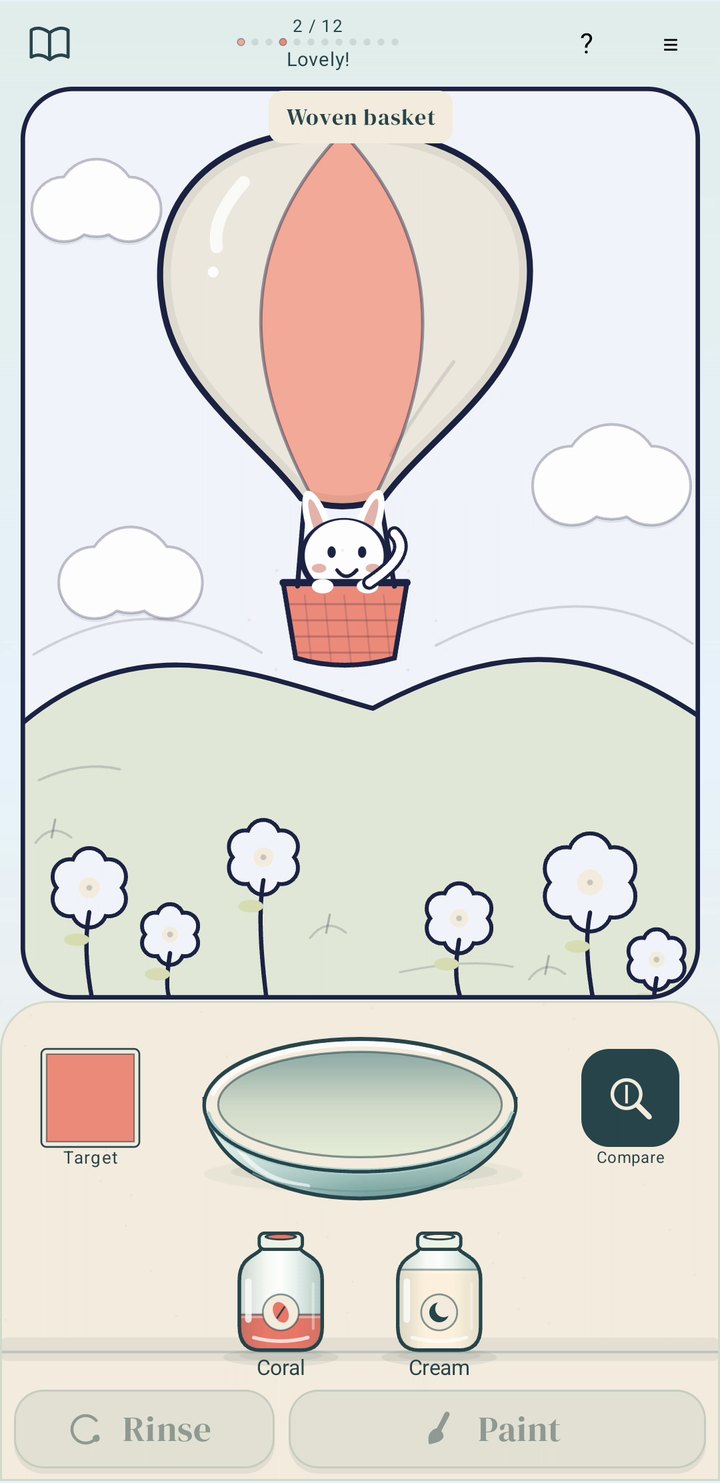
Drag a bottle toward the bowl and let the pigment flow. You decide exactly how much goes in, down to a single drop.
Compare
The target sits beside the bowl. Open Compare to see the target and your mix side by side, updating as you pour.
Paint
Happy with it? Paint, and that part of the picture takes on the color you actually mixed. Twelve colors bring a scene to life.
A world made by you
Little paintings.
Your own colors.
From the first drop to your finished collection.
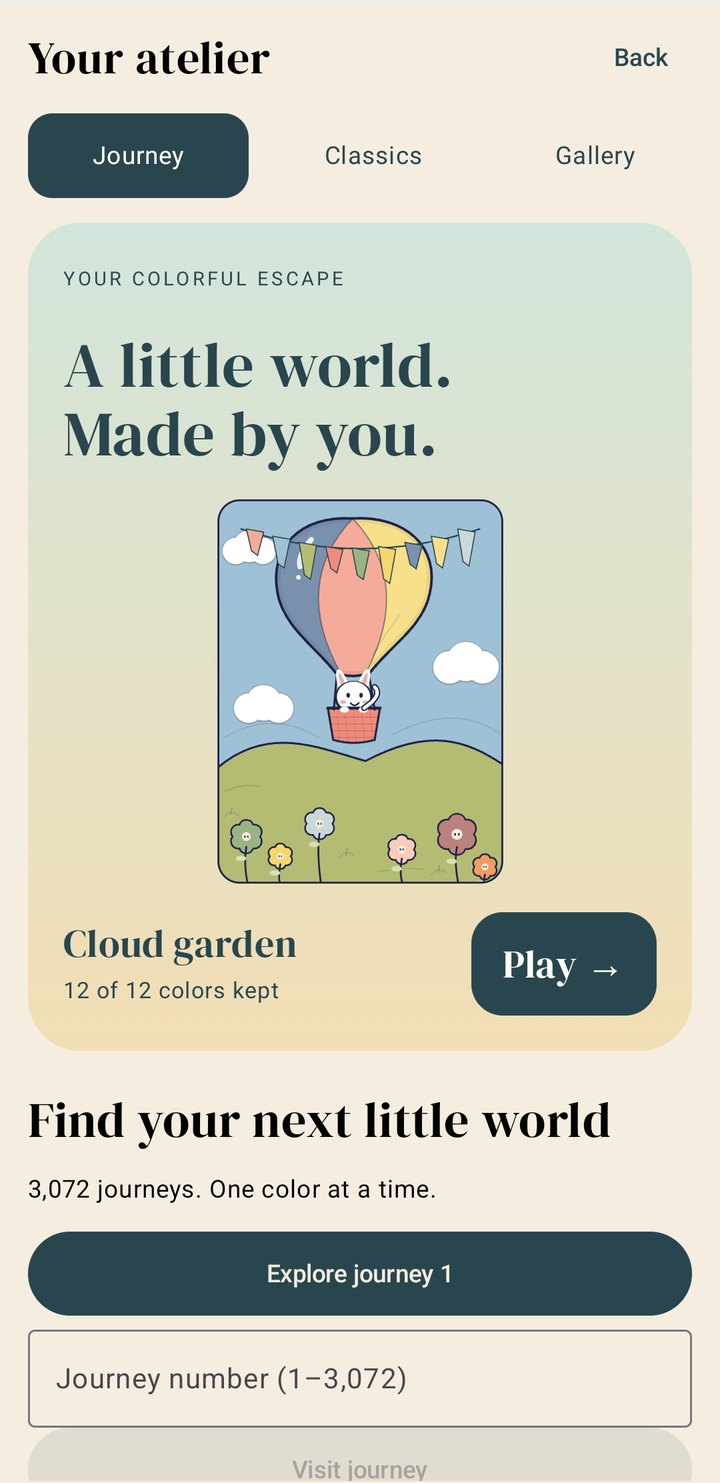
Select a screenshot for a closer look. Swipe to explore on your phone.
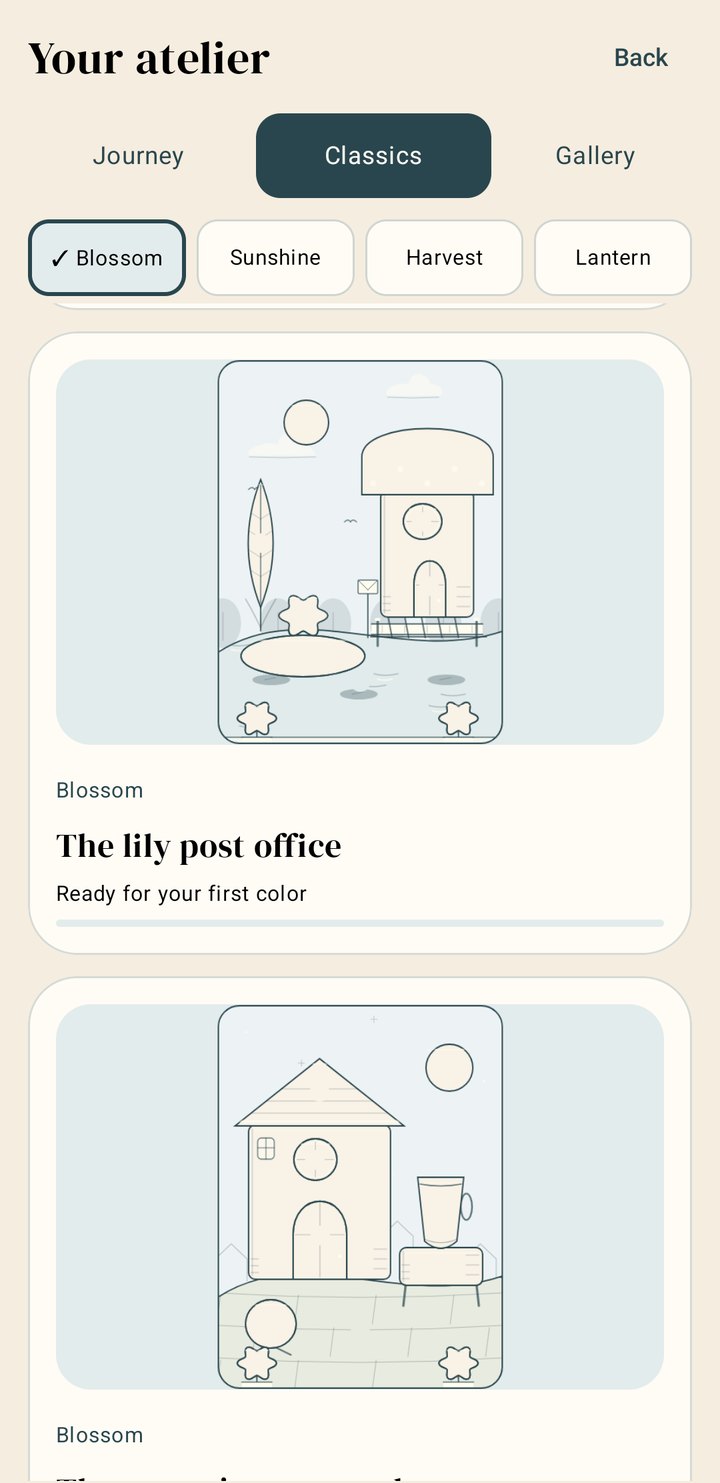
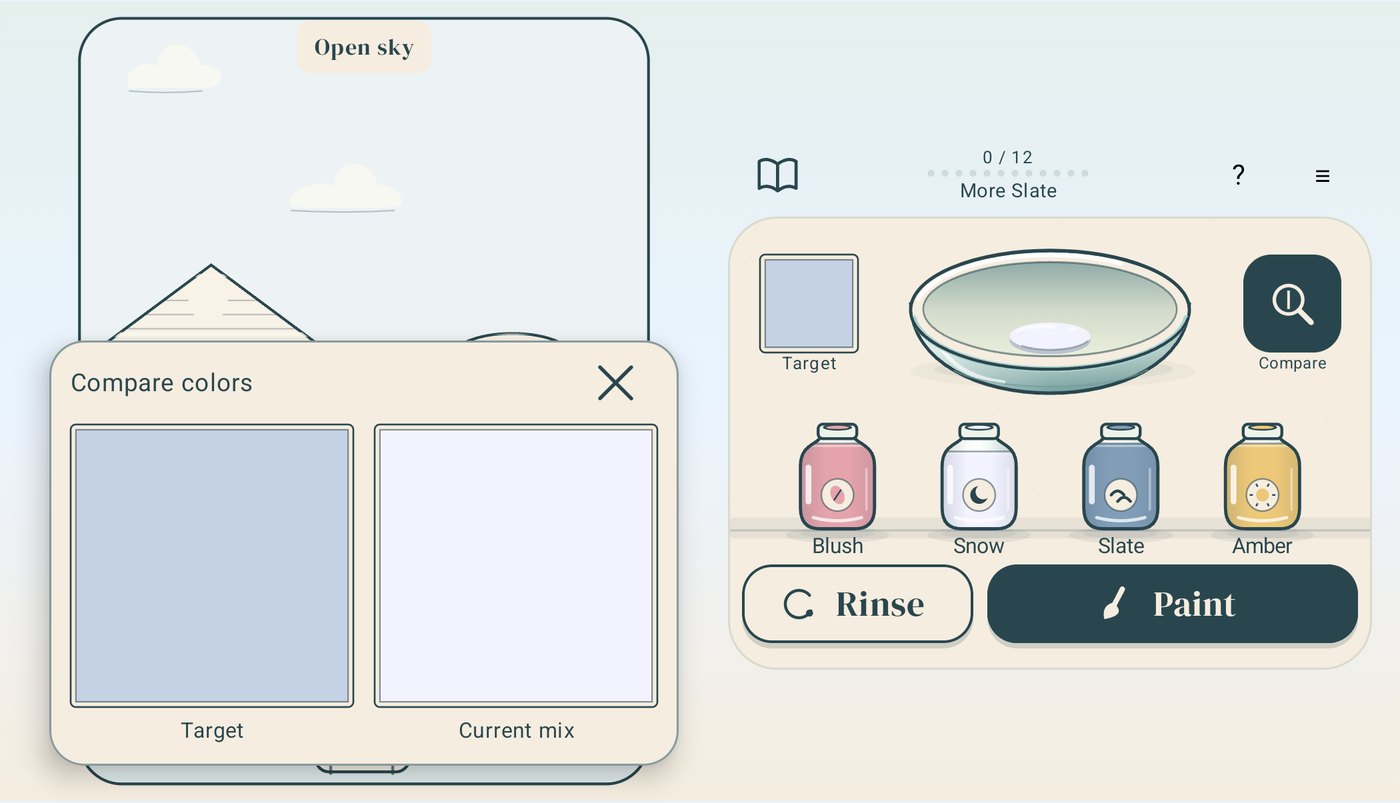
Explore your painting collection
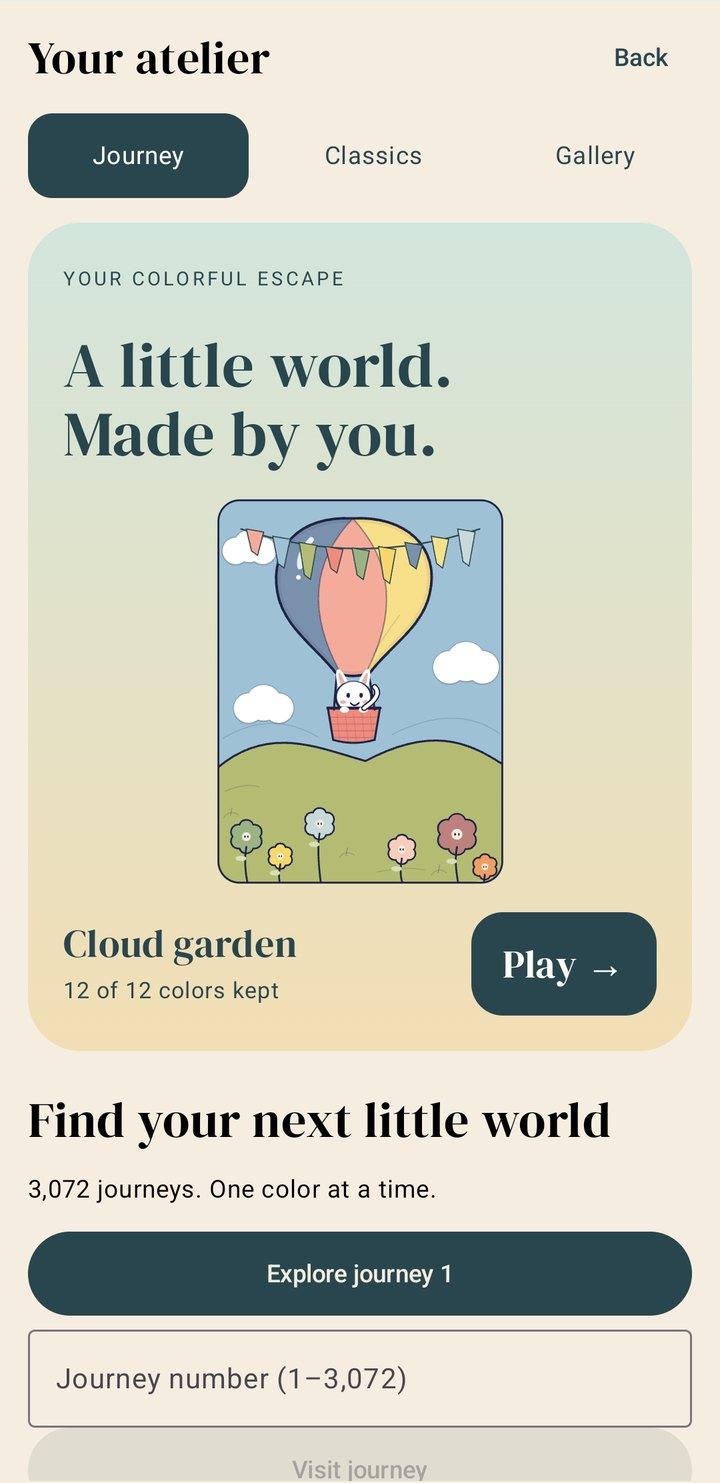
It starts with two bottles and a balloon. Blue arrives after three colors, yellow after six, and the Journey keeps widening from there.
- 3,072
- Journey paintings, across many settings, destinations and gatherings
- 49
- hand-made opening paintings: Cloud Garden and 48 Classics
- 6
- bottles at once later on, with three- and four-color mixes
- 2
- bowls side by side once you are ready for companion play
Calm by design
- No timer. Take as long as you like. Nothing is ever scored against the clock.
- Mistakes wash away. A color that missed fades out and you try again. Colors you earned stay.
- No ads, no account. Nothing to sign in to and nothing interrupting the painting.
- Works offline. Your paintings and progress are saved on your device. No network needed.
Play it your way
- Three color-match tolerances, from relaxed to exact
- Slower pouring and one-drop buttons for a steadier hand
- Hints you can turn on or off
- Reduced motion
- Sound and haptics, each switched separately
- Restart the game at any time, keeping your preferences
Frequently asked questions
Select a question to see the answer.
What is Cloud Garden?
Cloud Garden is a relaxing color-mixing and painting game. Pour pigments into a bowl, compare your mixture with a target, and paint an illustrated scene one part at a time. The color you actually mix becomes part of your finished painting.
Is Cloud Garden available on iPhone and Android?
Cloud Garden is coming soon to iPhone and Android. You can try a small playable demo on this page now and join the launch list for an email when the mobile game is available.
Can I play Cloud Garden offline?
The mobile game works offline and saves your paintings and progress on your device. The browser demo needs an internet connection to load this page; its progress is temporary and is not transferred to the mobile game.
Does Cloud Garden have ads or require an account?
The mobile game has no ads and does not require an account. The optional website launch list asks for an email address so you can hear when the game is released.
Do I need to know how to mix colors?
No. The game starts with two bottles and introduces more colors as you paint. You can use hints, slower pouring, one-drop controls, and a relaxed color-match tolerance. There are no timers, and you can rinse the current bowl and try again.
How many paintings are in Cloud Garden?
Cloud Garden includes 49 opening and Classic paintings, plus 3,072 Journey paintings. Each illustration has twelve parts to paint. Later challenges introduce more pigments, limited supplies, and companion bowls.
Still have a question? Contact us
Cloud Garden is almost ready
Leave your email and we'll let you know the day it arrives on the App Store and Google Play.