Is my data stored in the cloud?+
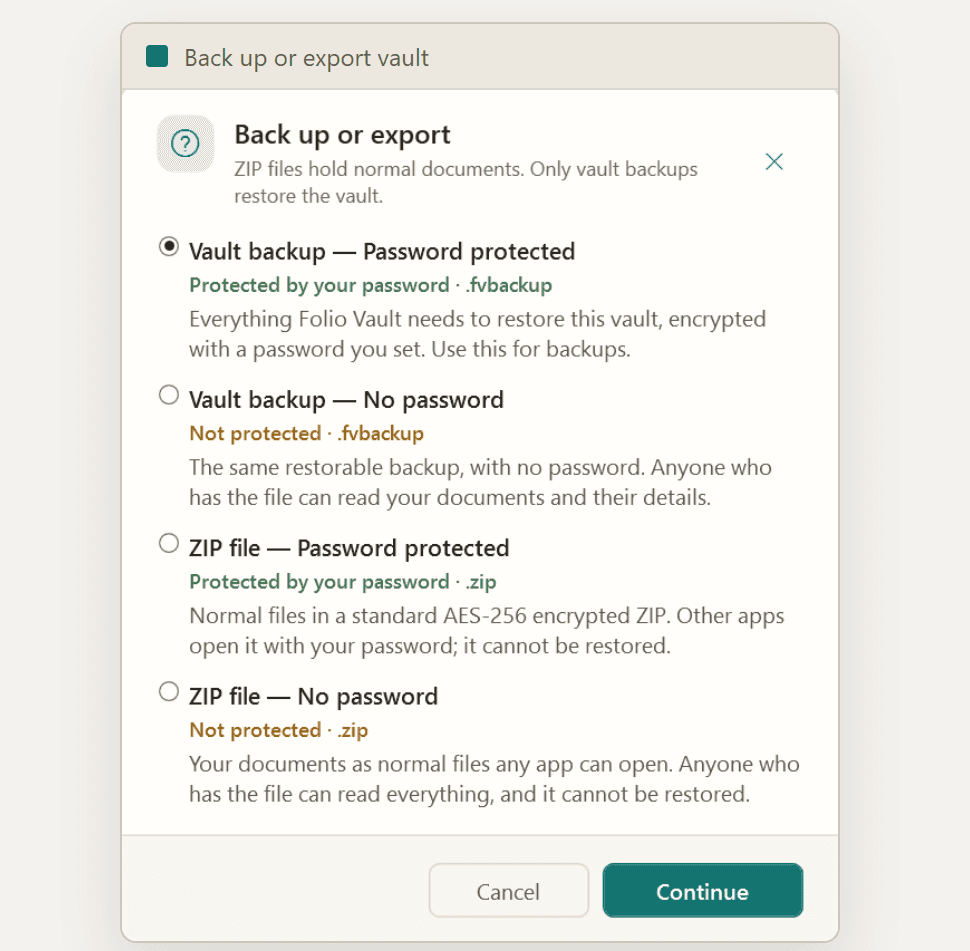
No. Folio Vault keeps your vaults on your PC and does not sync them between devices. Documents, records and OCR text are not uploaded. Microsoft Store purchases and license checks use the network. You choose where to save or share any exported files.
What file types can I store and preview?+
Import PDF, PNG, JPG/JPEG, TIF/TIFF, BMP, DOC/DOCX, XLS/XLSX, and TXT. PDFs, images, and text files preview inside the app. Word and Excel files are stored and exportable, but are not previewed inside the app.
What does document search cover?+
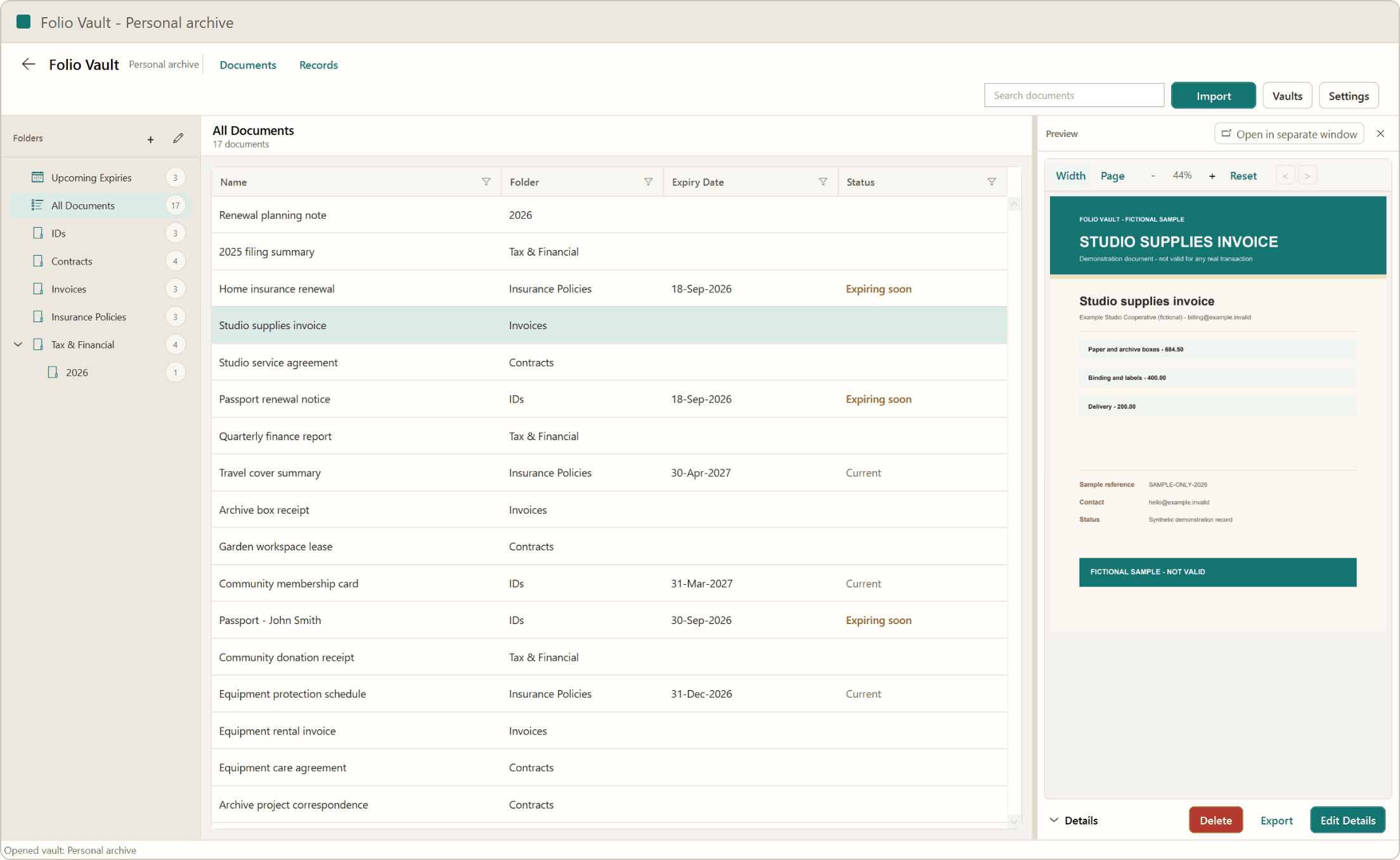
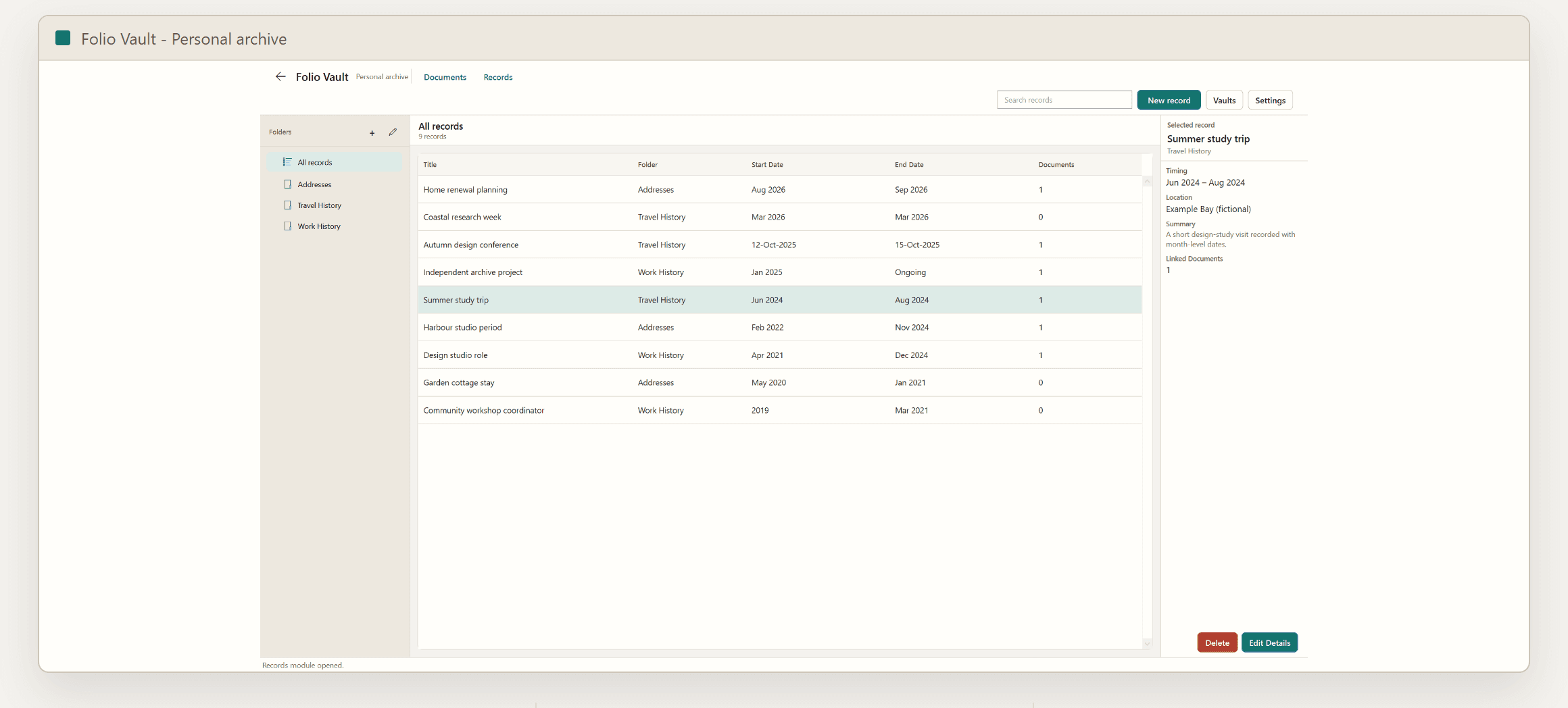
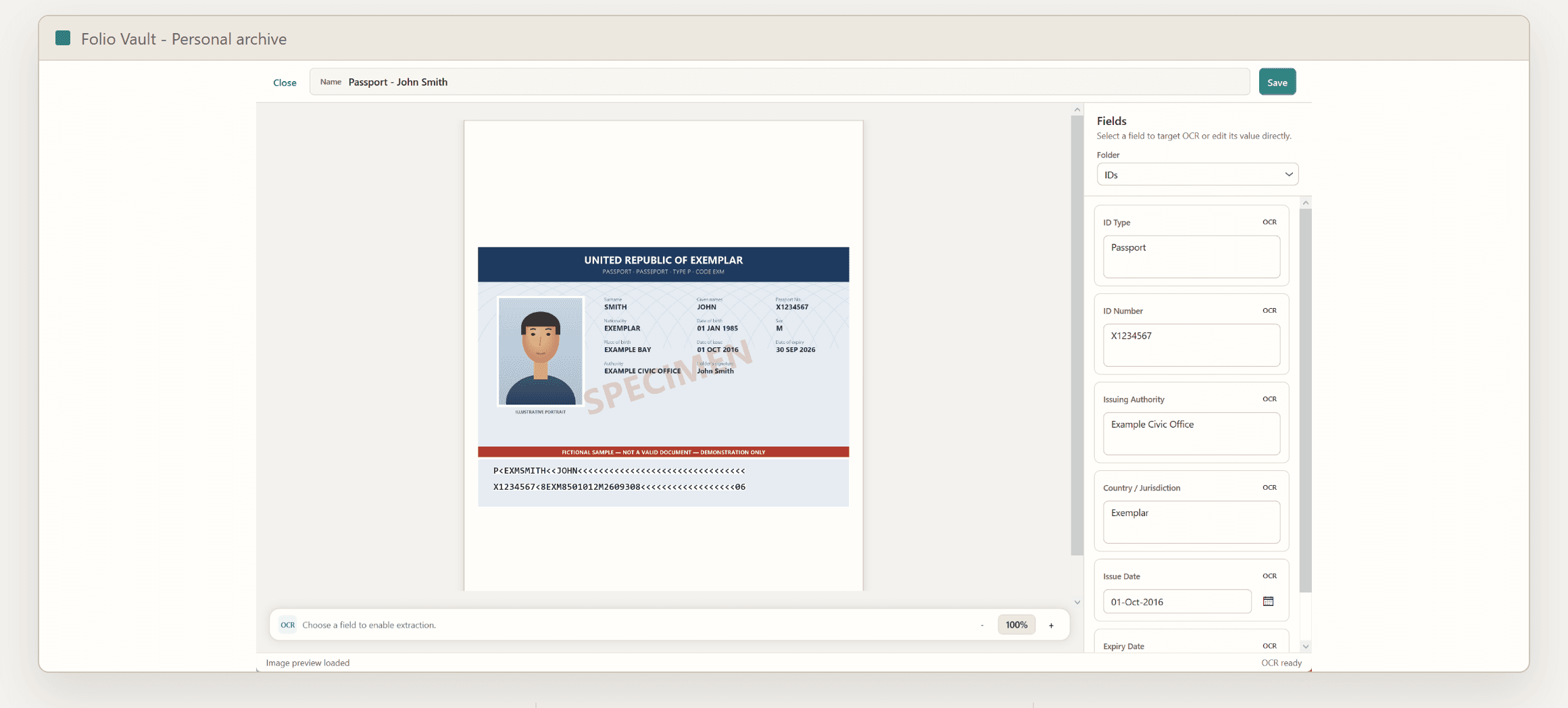
Documents search matches titles, original filenames, folder names and saved field values, plus text already indexed in the vault. TXT files are indexed on import. Background OCR reads supported images and up to the first three pages of a PDF, when Windows OCR and local rendering are available. It does not index Word or Excel contents, and recognition may miss text. Select All Documents to search across document folders; Records has its own search.
How do folder fields become columns?+
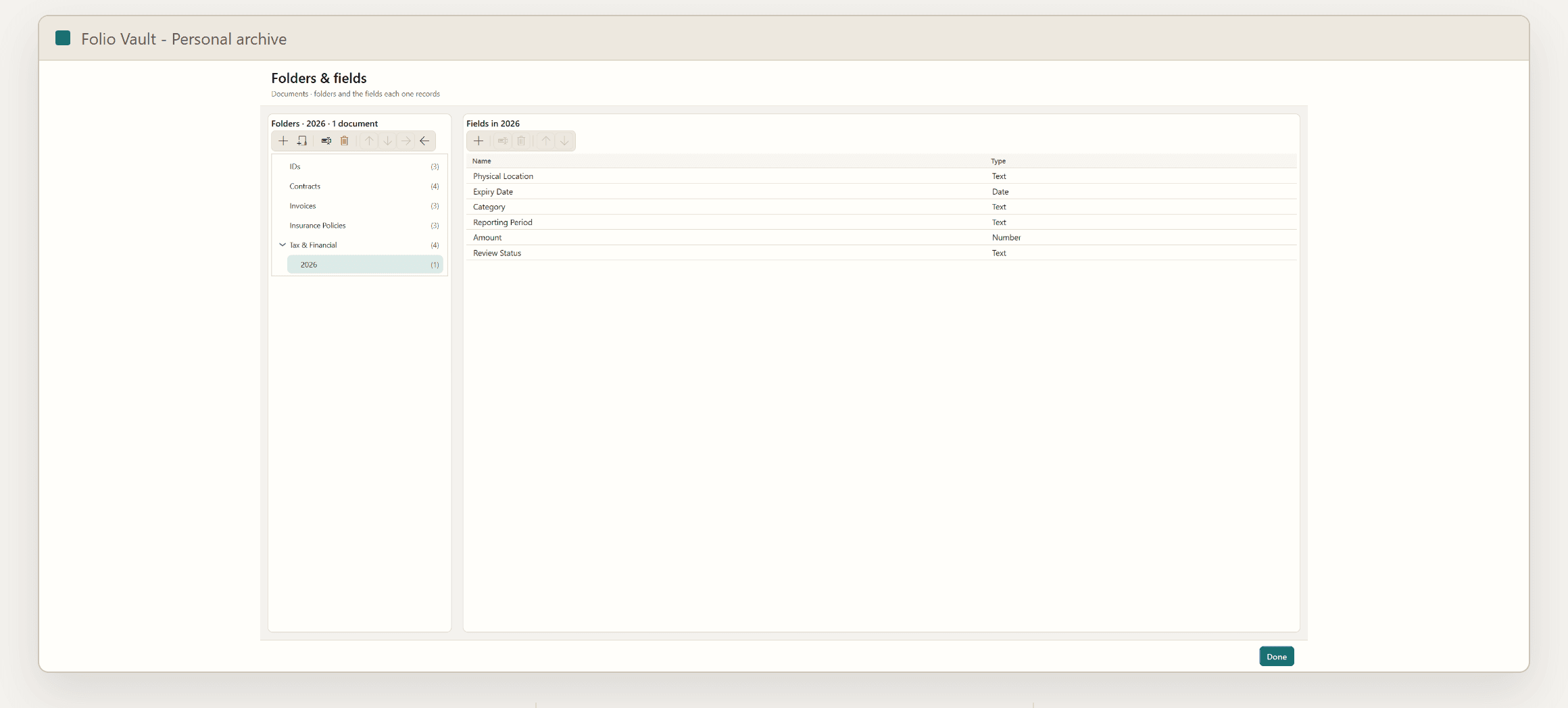
In Folders & fields, add Text, Number or Date fields to a document folder. Enter values for each document, then open that folder to see its fields as sortable, filterable columns. Each folder has its own fields, including nested folders.
What exactly happens when the trial ends?+
If your Annual subscription renews as a paid plan, you keep access. If the trial expires without an active Annual or Lifetime license, the app locks. Your vaults remain on your PC. Activate a license to use the app and unlock your vaults again.
Does it work offline?+
You can organize and search your local vault offline for up to 48 hours after a successful Microsoft Store license check, as long as your license remains valid. After that, the app needs a connection to verify your license again. This applies to Lifetime purchases too.
What if I forget my vault password?+
Every vault has a recovery key you’re asked to keep safe; it unlocks the vault in both protection modes. If a password-protected vault loses both its password and its recovery key, the data cannot be recovered. Keep the recovery key outside the vault.
Does uninstalling delete my vaults?+
No. Uninstalling removes the app but leaves vaults, settings, and logs on your PC. To remove a vault’s data, open that vault and use Delete this vault in Settings. This permanently deletes its documents and records after confirmation.
What does it run on?+
Windows 10 (build 17763) or later and Windows 11, x64. Folio Vault is a native Windows desktop app — there is no macOS, Linux, mobile, or web version.