There is a certain kind of app that almost nobody builds anymore. It does not have a login screen. It does not send your data anywhere. It does not require a subscription to unlock basic functionality. It just works, on your device, with your data, and nothing leaves unless you tell it to.
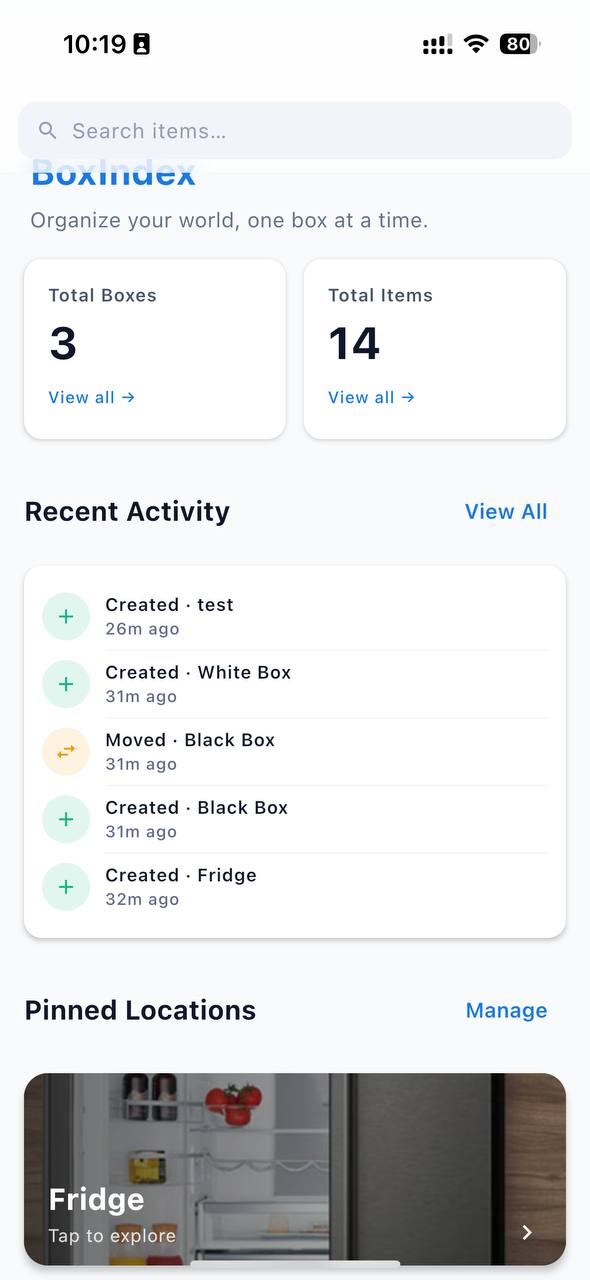
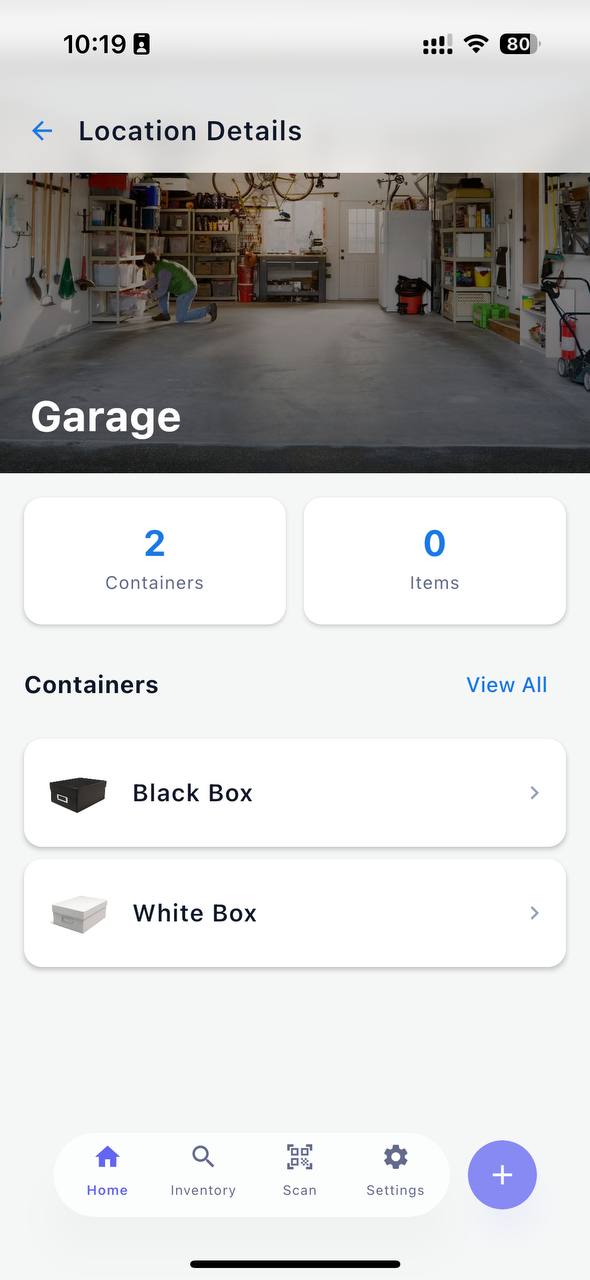
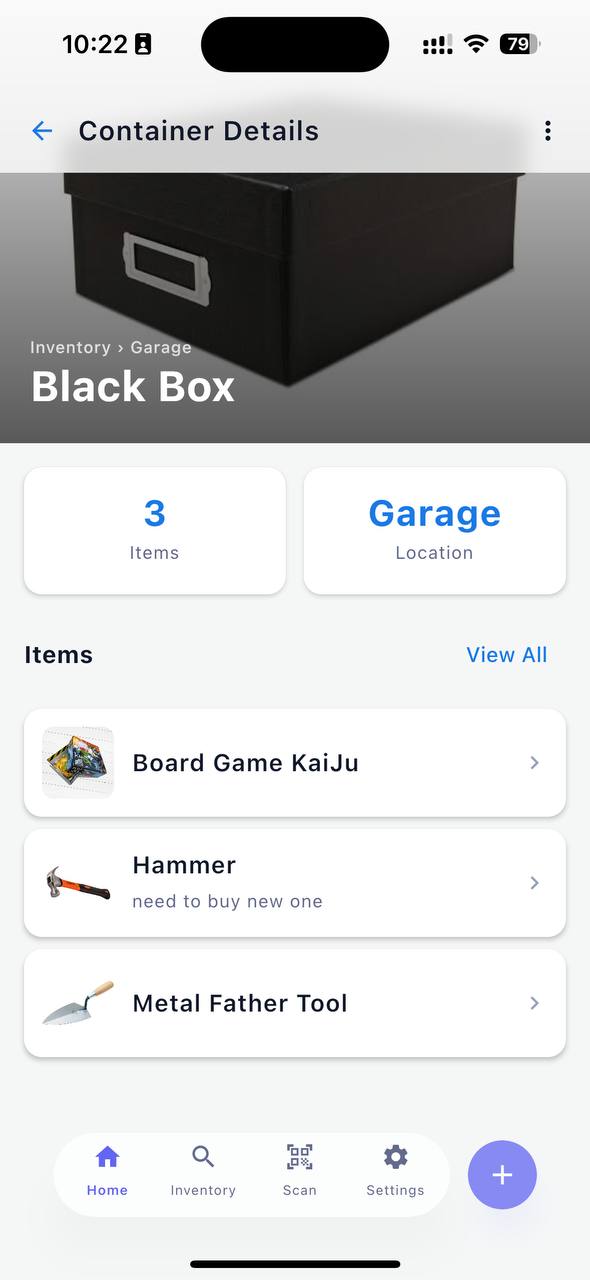
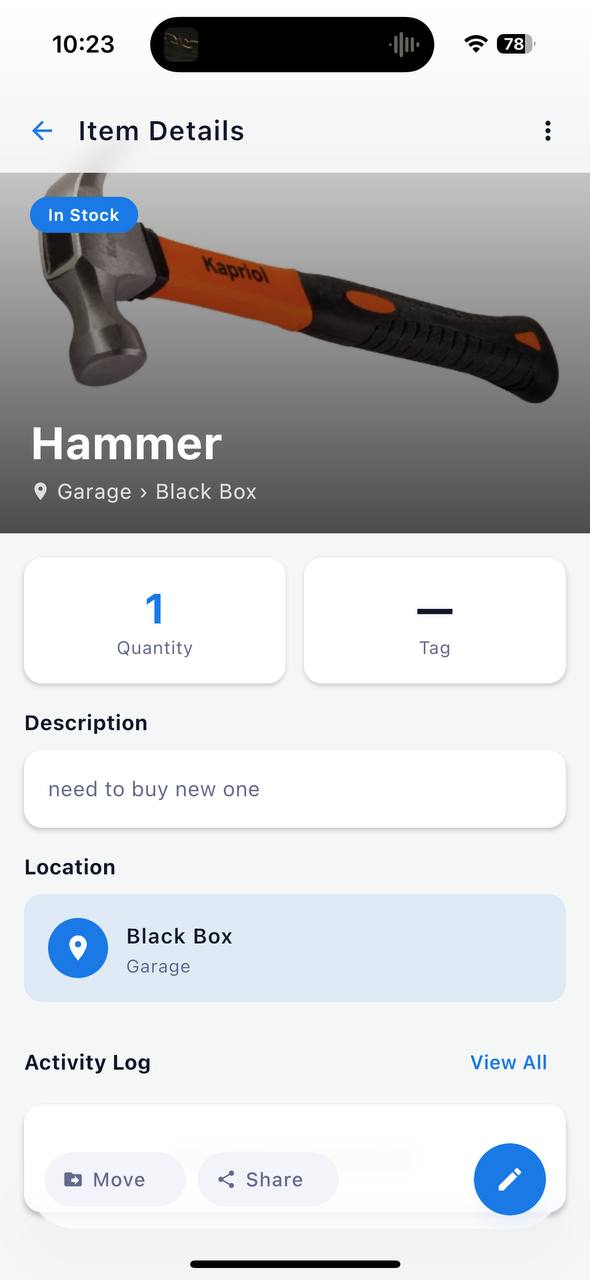
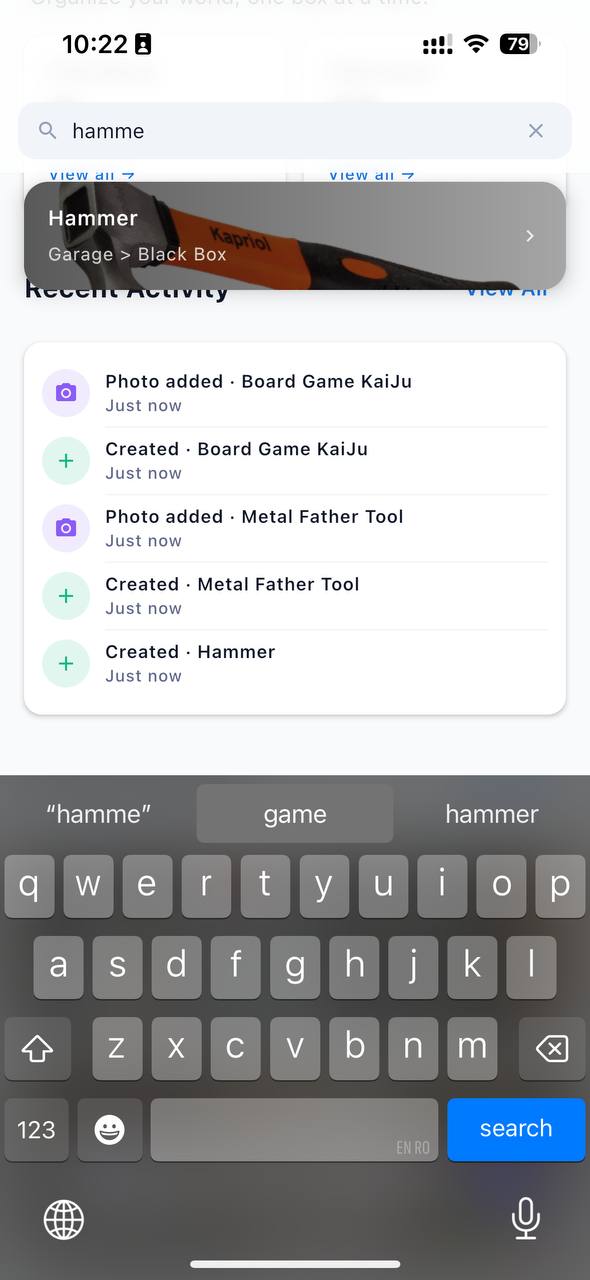
BoxIndex is that kind of app. It is a home inventory tool — you catalog where things are stored, attach photos, search by name or tag, and scan QR codes to jump straight to a container. Nothing exotic. But building it without any backend forced a few decisions that are worth writing down, because they run against the grain of how most apps are built today.
Why offline-first
The honest answer is that a backend would have been unnecessary complexity for what this app does. Your home inventory is personal data. It does not need to be on a server. It does not need to sync across twelve devices in real time. It needs to be fast, private, and available when you are standing in a storage room with no signal.
The more principled answer is that local-first is a different architectural philosophy. Your data lives on your device. The app works at full capability offline, always. Export and import are the sync story, not an afterthought.
These two answers are the same answer, really.
The storage layer
The database is SQLite via SQLDelight, which generates type-safe Kotlin functions from .sq files. The schema is straightforward — three tables: StorageLocation, StorageContainer, StoredItem — with foreign keys and cascade deletes so removing a location cleans up everything inside it.
SQLDelight is a good fit for KMP because the driver is the only platform-specific part. A small expect/actual class handles it:
// commonMain
expect class DatabaseDriverFactory {
    fun createDriver(): SqlDriver
}

// androidMain
actual class DatabaseDriverFactory(private val context: Context) {
    actual fun createDriver(): SqlDriver =
        AndroidSqliteDriver(BoxIndexDatabase.Schema, context, "boxindex.db")
}

// iosMain
actual class DatabaseDriverFactory {
    actual fun createDriver(): SqlDriver =
        NativeSqliteDriver(BoxIndexDatabase.Schema, "boxindex.db")
}
Everything else — queries, migrations, repository logic — lives in commonMain and runs identically on both platforms.
Images
Images are the awkward part of any local-first app. You cannot store binary data in SQLite without consequences, so the database only holds a file path. The actual image lives in the app's private storage directory.
Again, the path to that directory is platform-specific, so it goes through expect/actual:
expect class FileHandler {
    fun saveImage(bytes: ByteArray, fileName: String): String?
    fun deleteImage(path: String)
    fun loadImageBytes(path: String): ByteArray?
}
The Android implementation uses context.filesDir. iOS uses the documents directory. The shared code never knows the difference.
Export and import instead of sync
Without a backend, moving data between devices is a solved problem the old way: export a file, send it somewhere, import it on the other device.
BoxIndex exports two formats. CSV is a flat spreadsheet — useful for humans who want to open their inventory in Excel. JSON is the full export: the entire hierarchy, with images encoded as base64, packaged into a ZIP archive.
suspend fun exportDataAsZip(fileHandler: FileHandler): ByteArray? {
    val json = exportDataAsJson()    // full hierarchy as JSON
    val images = collectImageBytes() // path → bytes map
    return buildZip(json, images)
}
Import reads the ZIP, reconstructs the hierarchy, writes images back to local storage, and generates new UUIDs for containers if the imported file came from a different device.
That last part matters. Container IDs are auto-increment integers — they are meaningful only on the device that created them. UUIDs are stable across devices. We added a UUID column in a migration and backfill existing rows on first launch:
suspend fun ensureContainerUuids() = withContext(Dispatchers.IO) {
    queries.getContainersWithoutUuid().executeAsList().forEach { container ->
        queries.updateContainerUuid(Uuid.random().toString(), container.id)
    }
}
This is also what makes QR codes work cross-device. The QR encodes boxindex://container/{uuid}, not an integer ID.
Backup
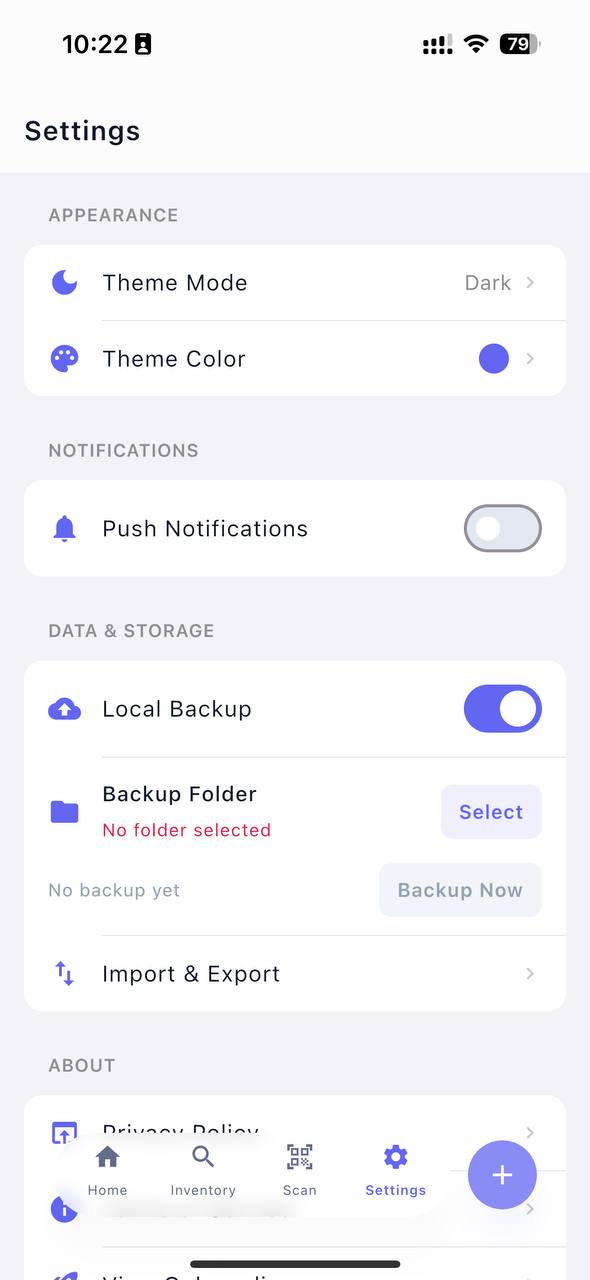
Export-on-demand is fine, but easy to forget. The Android version adds a daily background backup using WorkManager. The user picks a folder once via the system file picker, and from that point the app writes a timestamped ZIP to that folder every day:
class BackupWorker(context: Context, params: WorkerParameters) : CoroutineWorker(context, params) {
    override suspend fun doWork(): Result {
        val bytes = inventoryRepository.exportDataAsZip(fileHandler) ?: return Result.failure()
        val fileName = "boxindex-backup-${currentTimeMillis()}.zip"
        val success = backupWriter.save(folderUri, fileName, bytes)
        return if (success) Result.success() else Result.retry()
    }
}
No cloud required. The backup goes wherever the user points it — a local folder, a USB drive, or a cloud-synced folder if they choose. The app does not need to care which.
The part that surprised me
I expected the hardest part to be the KMP setup — Gradle, the shared module, the expect/actual seams. That was mostly fine. The part that took the most thought was designing data portability from the start rather than bolting it on later.
When your only sync story is export and import, the data model has to be designed for it. UUIDs instead of integers. Images as bytes in the export, not as server paths. A schema that can be reconstructed from a flat JSON file without losing integrity.
These are not difficult decisions, but they need to be made early. They are harder to retrofit than any infrastructure choice.
BoxIndex is built with Kotlin Multiplatform, Compose Multiplatform, SQLDelight, and Voyager. It is available on Android and iOS.